Game console repair in Sequim: HDMI ports, cleaning and overheating
No picture, a fan that sounds like a jet, or a console that shuts off mid-game? Here are the three console repairs we do most at eFix, and the signs to watch for.
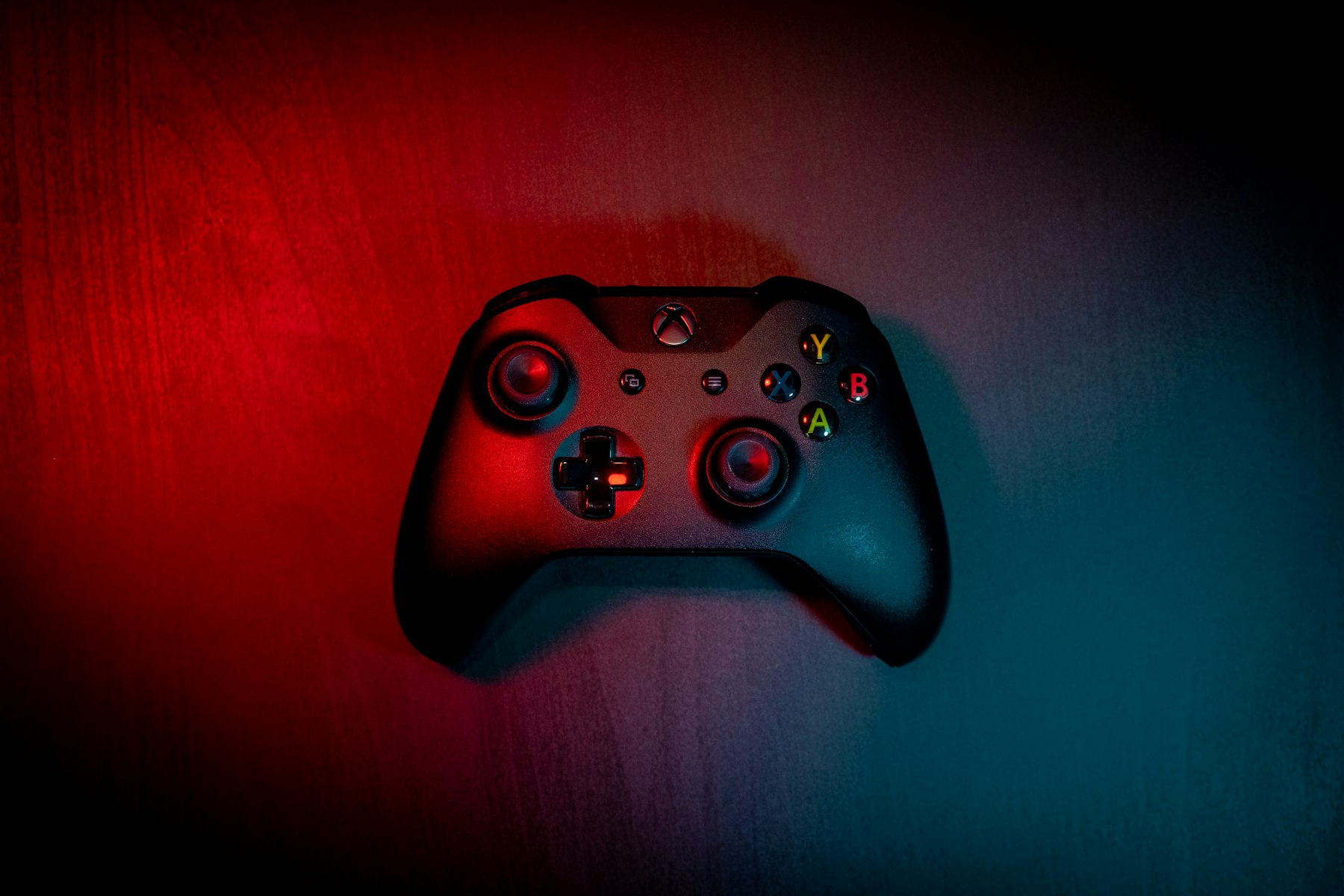
A game console that shows no picture, shuts off in the middle of a game or sounds like a jet taking off doesn’t need to be replaced. Most of the time it can be fixed. At eFix we repair PlayStation, Xbox and Nintendo Switch consoles right here in downtown Sequim. Here are the three repairs we do the most.
1. HDMI port replacement
The HDMI port is the most common thing we replace on consoles. It’s the small port on the back that sends the picture to your TV, and it breaks more easily than most people think.
Signs your HDMI port is damaged
- “No signal” on the TV even though the console turns on
- The picture flickers or cuts out when you touch or move the cable
- The cable feels loose or won’t go all the way in
- You can see bent or missing pins inside the port
What usually causes it
Someone trips over the cable, the console gets moved or packed up with the cable still plugged in, or the plug gets pushed in at an angle. Any of those can bend the pins or crack the port off the circuit board.
How we fix it
We take the console apart, remove the damaged port from the motherboard and solder a new one in its place. Then we test it on a TV to make sure the picture is clear and steady.
Quick check before you bring it in: try a different HDMI cable and a different input on your TV. If you still get no picture, it’s probably the port. Don’t keep forcing the cable in, that can make the damage worse.
2. Cleaning: dust is a console’s worst enemy
Consoles pull in air all day to stay cool, and with it come dust, lint and pet hair. Over time that builds up on the fan and the metal heat sink inside, and the console can’t get rid of its heat anymore. You can’t reach most of that dust from the outside.
Our cleaning service includes:
- Opening the console and cleaning out dust and pet hair from the fan, heat sink and vents
- Checking that the fan spins freely and isn’t worn out
- Putting it back together and testing it under load
If your console is a few years old and has never been opened, a cleaning can make it noticeably quieter and help it last longer.
3. Overheating repairs
Overheating is what happens when dust, old thermal paste or a failing fan are left alone too long.
Signs your console is overheating
- The fan is very loud, even in menus
- The console shuts off by itself during games
- You get an overheating warning on screen
- The console feels very hot to the touch
- Games freeze or lag after playing for a while
How we fix it
Along with a full cleaning, we replace the old thermal paste (the material that carries heat away from the main chip) and any worn thermal pads, and replace the fan if it’s failing. Then we run the console under a heavy load to make sure temperatures stay under control.
How to keep it from happening again
- Give the console a few inches of space on every side
- Don’t keep it in a closed cabinet or on carpet
- Dust the vents every few weeks
- Have it cleaned inside every couple of years, more often if you have pets or smoke indoors
Other console repairs we do
- Consoles that won’t turn on or shut off randomly (power supply problems)
- Disc drives that won’t read or eject
- Storage problems
- Nintendo Switch cracked screens and charging ports that won’t charge or dock
- Controllers
Get a free quote
Every repair starts with a free quote, so you know the price before we touch anything. Bring your console to the shop at 342 W. Washington Street in Sequim, call or text (360) 499-8243, or mail it in from anywhere. Learn more on our Game Console Repair page. Hablamos Español.